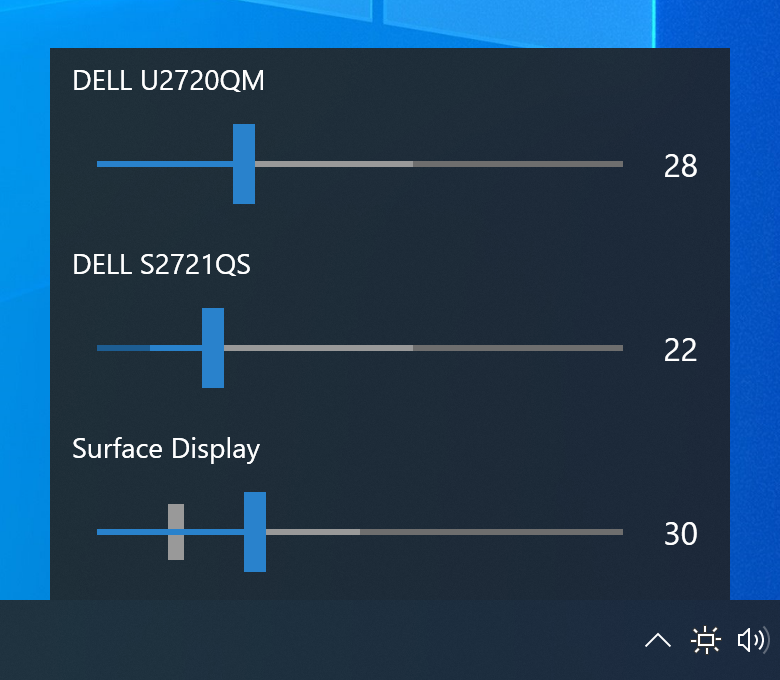
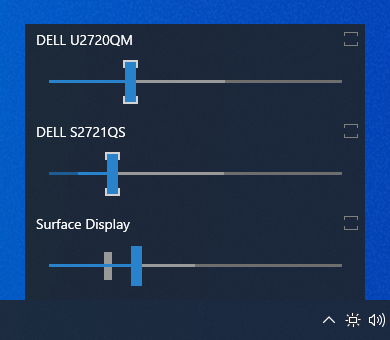
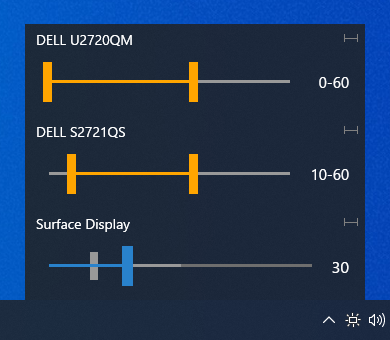
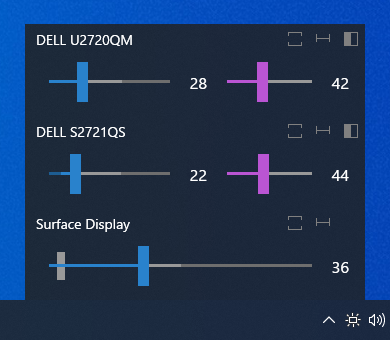
A Windows desktop tool to adjust the brightness of multiple monitors with ease
4.6k
Stars
214
Forks
11
Open issues
30
Contributors


AI Analysis
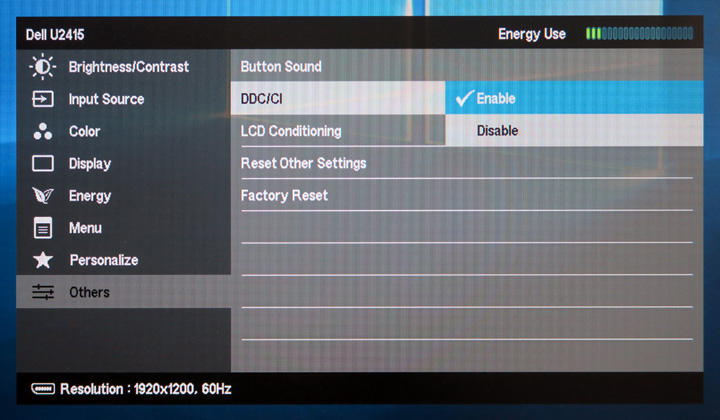
Monitorian is a Windows desktop application for adjusting the brightness and contrast of multiple monitors simultaneously or individually, supporting external DDC/CI-enabled displays. It serves users with multi-monitor setups who need convenient brightness control, particularly those with ambient light sensors. This tool is specialized for Windows users with DDC/CI-compatible external monitors and is not applicable to single-monitor or non-DDC/CI environments.
Inferred from signals mentioned in the README (tests, CI, type safety) — not a review of the actual code.
AI's overall editorial judgment — not an average of the bars above, can weigh other factors too.
Lightweight Windows multi-monitor brightness tool with DDC/CI support and optional premium features
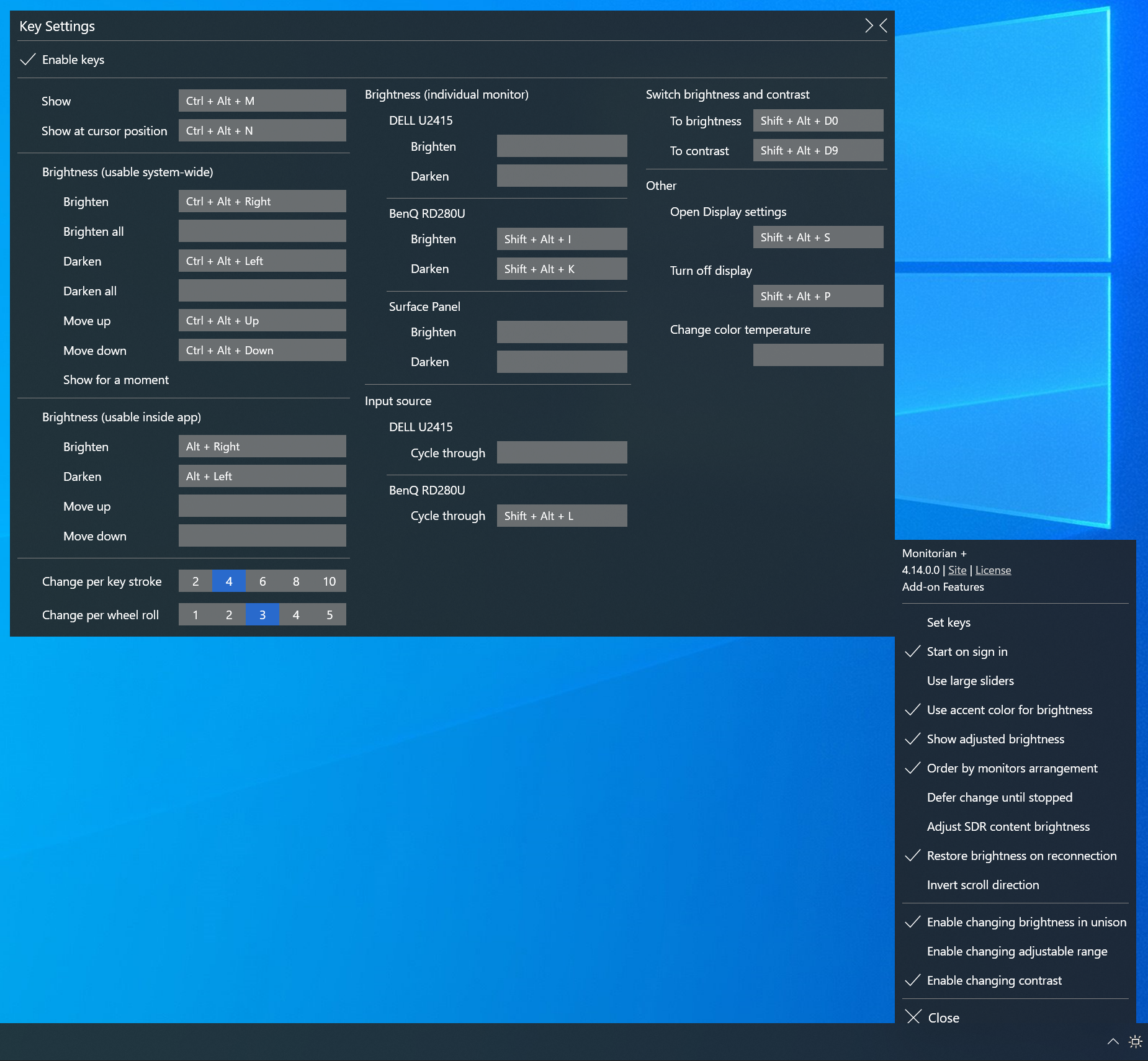
Monitorian is a C# desktop application for Windows that controls brightness and contrast across multiple external monitors via DDC/CI protocol. It targets users with multi-monitor setups (laptops + external displays, or multiple externals) who need granular per-monitor control beyond OS defaults. The tool offers both free (Microsoft Store, installer) and subscription tiers with hotkey/CLI add-ons. Adoption appears modest but sustained; active maintenance through mid-2026 suggests stable, if niche, market fit.
Created in January 2017 by emoacht, Monitorian emerged as a dedicated solution for the DDC/CI brightness control problem on Windows. The project gained traction among power users and multi-monitor enthusiasts. Continuous localization effort (24+ languages) indicates persistent international community engagement over 9+ years.
Stars stabilized around 4,500–4,600 over the past several years, with zero growth in the last 7 days. This plateau suggests mature, stable adoption rather than viral expansion. The presence on Microsoft Store (available since Windows 10 1607) likely provides discoverability beyond GitHub. Subscription-based add-ons (introduced or expanded over time) indicate an attempt to sustain development via monetization rather than relying on mass adoption.
Adoption not verified through public metrics. However, presence on Microsoft Store (official distribution channel) with no apparent removal suggests viable user base. Community translations (24 languages, many contributed in recent years) indicate international use. The freemium model with subscription add-ons suggests paying users exist, but scale unknown. Stars (4,578) are modest relative to competing tools (MonitorControl 33k+, BetterDisplay 32k+, Twinkle Tray 8.7k+), but this alone does not prove adoption is weak—many Store-distributed Windows apps have large user bases despite modest GitHub visibility.
Likely a Windows Forms or WPF desktop application written in C#, targeting .NET Framework 4.8 (indicating compatibility focus over modern .NET Core/5+). Based on README, the app communicates with external monitors via DDC/CI protocol. Appears to support up to 4 monitors concurrently and stores settings locally in AppData. Architecture is probably monolithic single-window or tab-based UI rather than modular/plugin-based.
Not documented in README. No mention of unit tests, integration tests, or CI/CD pipeline. Maintenance appears empirical rather than test-driven.
Last push 2026-07-04 (5 days before analysis date), indicating active development. Repository shows ongoing localization contributions from community members. No signs of stagnation; appears to receive regular updates, though velocity is modest. Feature set has remained relatively stable (brightness, contrast, range adjustment, hotkeys as premium), suggesting the product is feature-complete for its intended scope rather than under heavy active development.
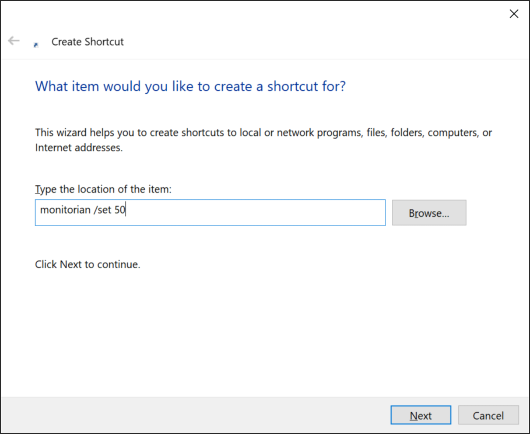
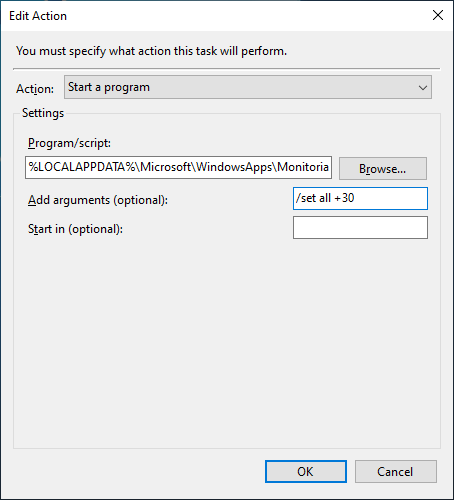
ADOPT IF: you use multiple external DDC/CI-capable monitors on Windows, need per-monitor brightness control with hotkey or CLI automation, and prefer a lightweight, free or low-cost solution with Microsoft Store availability. AVOID IF: your monitors lack DDC/CI support (tool will not detect them), you need cross-platform support, or you require extensive UI customization or advanced scheduling features. MONITOR IF: evaluating whether freemium monetization will sustain the project long-term, or if you depend on future feature development—current trajectory suggests stable maintenance but not rapid expansion.
Independent dimensions
Mainstream potential
3/10
Technical importance
6/10
Adoption evidence
4/10
- DDC/CI hardware dependency: feature set is fundamentally limited by monitor capabilities; older or budget monitors may not expose controls, making the tool non-functional for significant user segments.
- Limited to 4 monitors maximum: hard architectural constraint may frustrate power users with expanded setups (workstations, trading floors).
- Freemium model sustainability: subscription revenue (add-ons) is unknown; if adoption is smaller than visible, monetization may not cover ongoing development, risking feature stagnation or abandonment.
- .NET Framework 4.8 lock-in: targeting legacy .NET Framework rather than modern .NET 6+ may limit long-term Windows support as OS moves forward; technical debt risk as Windows deprecates older runtimes.
- Reliance on DDC/CI protocol maturity: if Microsoft or hardware vendors change DDC/CI behavior in future Windows versions or hardware redesigns, the tool may require significant rework to maintain compatibility.
Monitorian is likely to remain a stable, niche solution for Windows multi-monitor enthusiasts for the foreseeable future. Modest but sustained community engagement (localization, bug reports) suggests it meets a real need for a specific user segment. Unlikely to achieve mainstream adoption (competing with OS-native features or more feature-rich alternatives), but at current maintenance level should remain functional and receive security/compatibility patches. Freemium add-on revenue may stabilize development without requiring hypergrowth.
Newsletter
Get analyses like this every Monday
Free weekly digest of the most interesting open-source discoveries.
Languages
Information
- Language
- C#
- License
- MIT
- Last updated
- 6d ago
- Created
- 115mo ago
- Analyzed with
- anthropic/claude-haiku-4-5
Stars over time
Contributors over time
Top 100 contributors only — repos with more will plateau at 100.
Open issues
Limiting the range of contrast adjustment
Installer '...4152.zip' installs v4.13.1.0
Brightness levels restore themselves to the original value
HDR Monitors don't adjust brightness independently.
SDR content brightness under HDR
Open pull requests
No open pull requests.
Similar repos

MonitorControl/MonitorControl
MonitorControl is a macOS application that enables hardware control of external...

xanderfrangos/twinkle-tray
Twinkle Tray is a Windows system tray application that enables brightness...

Diorser/LiteMonitor
LiteMonitor is a lightweight, customizable Windows desktop and taskbar hardware...

waydabber/BetterDisplay
BetterDisplay is a macOS utility that unlocks advanced display capabilities...
| Repository | Stars | Week Δ | Language | Score | Updated |
|---|---|---|---|---|---|
|
emoacht/Monitorian
this
|
4.6k | — | C# | 8/10 | 6d ago |
|
MonitorControl/MonitorControl
|
33.7k | — | Swift | 8/10 | 3mo ago |
|
xanderfrangos/twinkle-tray
|
8.8k | — | JavaScript | 7/10 | 14h ago |
|
Diorser/LiteMonitor
|
5.7k | — | C# | 7/10 | 2mo ago |
|
waydabber/BetterDisplay
|
32.6k | — | — | 8/10 | 3d ago |
Not a direct competitor; MonitorControl targets macOS. Demonstrates similar DDC/CI brightness adjustment niche exists on other platforms.
Windows alternative focused on system tray brightness control and sleep/wake hotkeys. Likely simpler UI, broader OS support via Electron. Monitorian appears more monitor-centric, less focused on system integration.
Another Windows/multi-platform brightness tool. Higher star count suggests broader adoption. Likely more feature-rich or polished, though specific capabilities unclear from metadata alone.
Similar C# Windows tool for monitor control. Comparable in scope and stars; likely appeals to overlapping user segment. Unclear what differentiates Monitorian (e.g., UI, DDC/CI implementation quality).
Windows Settings app offers basic brightness control for internal displays and some external monitors. Monitorian's value proposition is finer granularity, per-monitor independent control, and hotkey automation—valuable only if OS defaults insufficient.